About measurements
Most SewJazz patterns ask you to enter your measurements. For some patterns, you can save your measurements and read them from a Measurement Table when you create a pattern. Measurement Tables are always optional. Some simple patterns don't need any measurements.
-
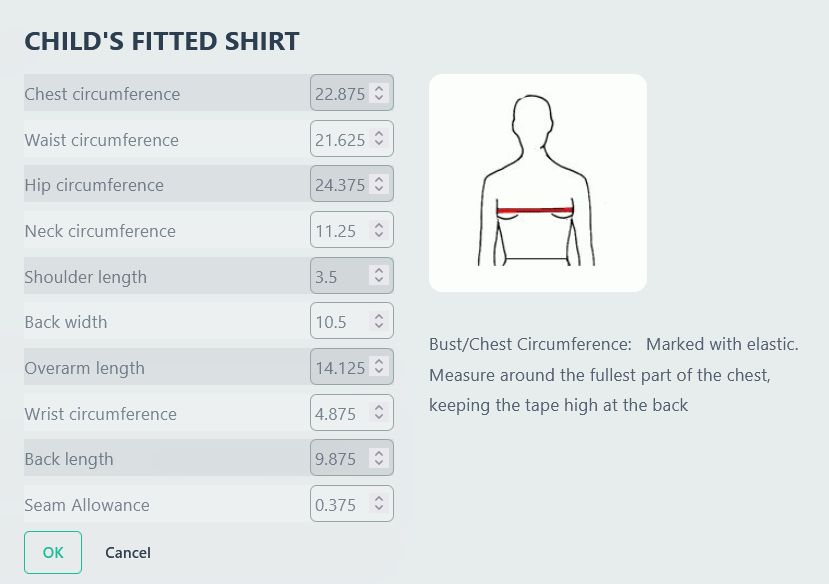
A pop-up dialog box
You might see a dialog like this. It starts with default measurements. Click on a measurement name to see instructions for that measurement.
-
Taking your measurements
- The "How to measure" button for each macro links to the "Create an MTB" dialog, but that dialog also contains measuring instructions.
- The measurments dialog contains measuring instructions.
- Read the instructions. Be sure you're measuring what is asked for. Even easy measurements are taken at different points from one pattern collection to another.
- For some patterns, you don't have to take any measurements.